Photo to Thread Art
Generator Online
Turn portraits, pets, logos, and landscapes into printable thread art patterns in your browser. This free online photo-to-string-art generator creates clean string art layouts, export-ready files, and realistic thread path previews in minutes.
Online Photo-to-String-Art Pattern Generator
Upload a photo, tune pin and line density, and generate a clean thread art pattern you can preview, refine, and export for digital or physical string art projects.
Best Thread Art Pattern Examples for Photos and Wall Decor
Browse portrait, animal, geometric, and landscape examples to see how different source images perform in a photo-to-string-art generator before you build your own design.
Einstein Portrait
Portrait
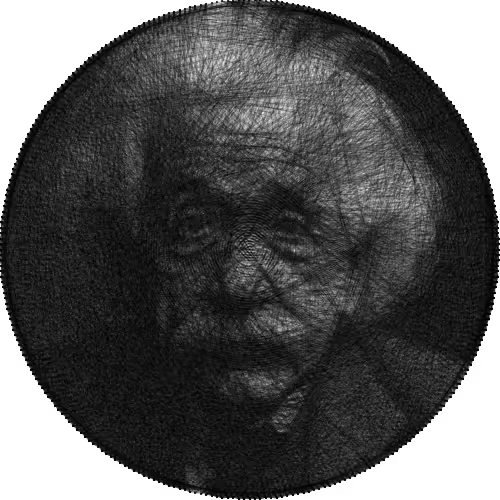
Classic portrait of Albert Einstein with high detail and contrast
Geometric Mandala
Geometric
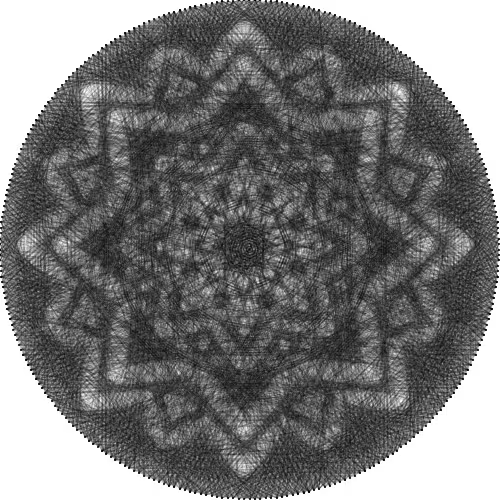
Symmetrical mandala pattern perfect for beginners
Lion Silhouette
Animal
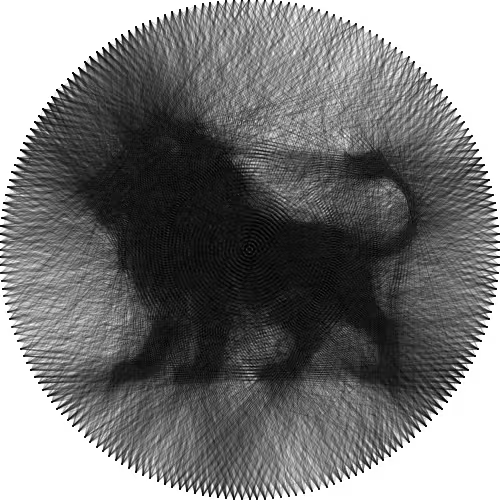
Majestic lion profile with strong contrast lines
Mountain Landscape
Landscape
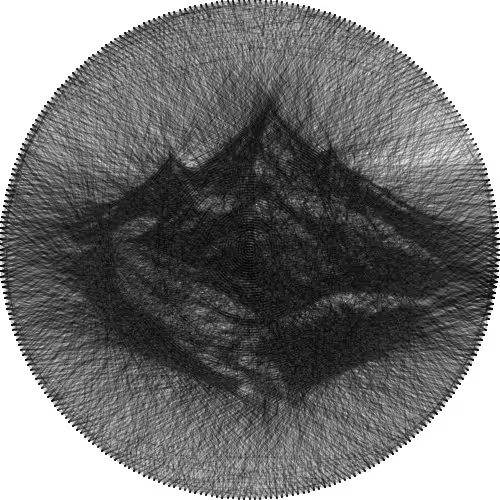
Serene mountain silhouette with minimalist design
Cat
Animal
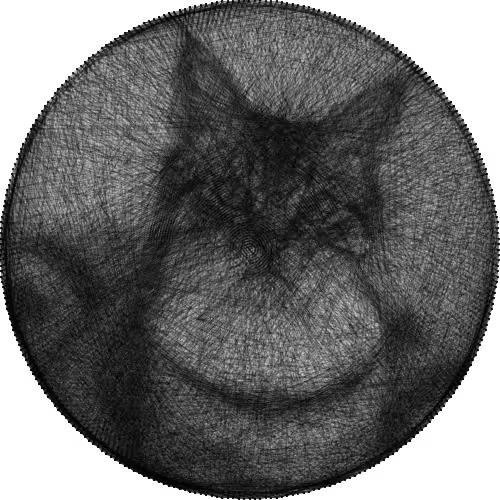
Adorable cat silhouette with graceful lines
Dog
Animal
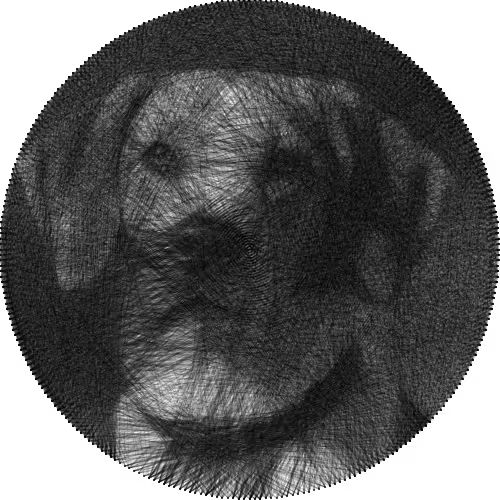
Faithful companion with expressive features and detailed fur texture
How to Use Example Photo-to-String-Art Templates
Choose a Photo-to-String-Art Template
Browse through our curated collection and select an example that matches your skill level and artistic preference.
Load Recommended String Art Settings
Click 'Use Example' to automatically configure all parameters including pins, lines, and algorithm settings.
Customize the Thread Art Pattern
Use the loaded settings as a starting point, then customize colors, export options, and other parameters to make it your own.
Step-by-Step String Art Tutorial for Turning Photos into Thread Art
Learn how to choose the right image, adjust pin density, improve contrast, and export cleaner results with this practical guide to creating string art from photos.
Tutorial Steps
Understanding String Art Basics
String art creates images using only straight lines between fixed points (pins). The magic happens when multiple lines combine to create the illusion of curves, shadows, and detailed imagery.
Diagram showing how straight lines create curves
Interactive visual guide would appear here
Pro Tips
- High contrast images work best for string art conversion
- Simple compositions often produce more striking results
- Consider the final size when choosing pin density
Advanced String Art Generator Settings for Detailed Results
Use advanced algorithm, color, symmetry, and export controls to fine-tune complex photo-to-string-art patterns for print, laser guides, or handcrafted wall art.
What Is String Art and How Does a Photo-to-Thread-Art Generator Work?
String art turns straight lines into portraits, silhouettes, and geometric artwork. Our online generator modernizes the craft by converting photos into detailed thread art patterns you can edit and export instantly.
How Connected Lines Create Photo-Based String Art Designs
Traditional string art uses pins and thread to build images from hundreds or thousands of straight-line connections. The strongest designs usually start with high-contrast photos, clear edges, and a balanced circular pin layout.
A photo-to-thread-art generator analyzes light, shadow, and edge detail, then chooses line paths that recreate the subject with surprising depth. As more lines are layered, facial features, animal shapes, and landscape contours become visible.
This digital workflow helps artists, makers, teachers, and DIY decorators plan printable thread art patterns faster, test multiple settings, and move from photo to finished string art with far less trial and error.
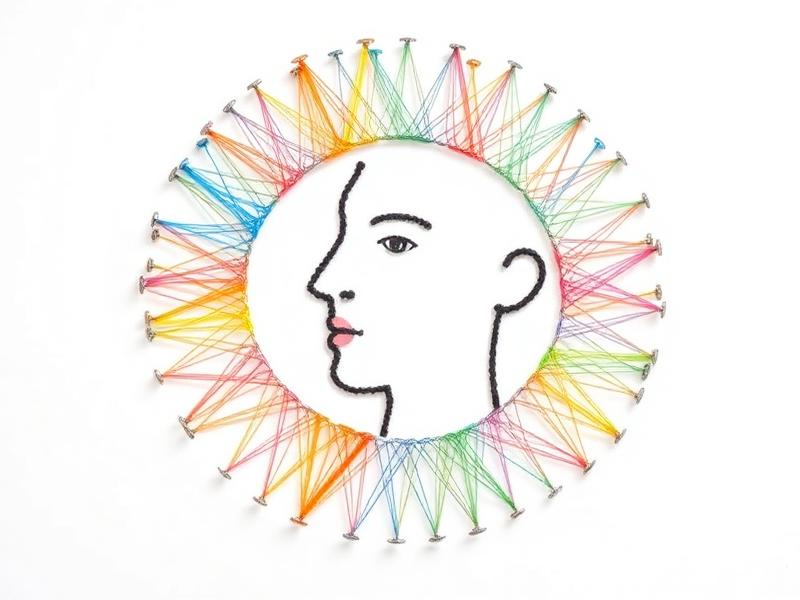
Creative Expression
Transform any image into unique string art patterns with unlimited creative possibilities.
Image Processing
Advanced algorithms analyze your images to create optimal string placement patterns.
Export Options
Download your string art patterns in various formats for digital use or printing.
AI-Powered
Intelligent algorithms optimize thread placement for the most striking visual results.
How Our Photo-to-String-Art Generator Works Online
From image upload to export-ready pattern, the workflow helps beginners and experienced makers turn photos into clean, workshop-ready thread art layouts without extra software.
Upload the Photo You Want to Convert to String Art
Start by uploading any image from your device. Our string art generator supports various formats including JPG, PNG, and GIF files. The tool works best with high-contrast images that have clear subjects.
Adjust Pin, Line, and Contrast Settings for String Art
Adjust the string art parameters to match your vision. Control the number of anchor points, thread density, color palette, and complexity level. Preview changes in real-time as you fine-tune your settings.
Generate a Photo-to-Thread-Art Pattern
Our advanced algorithms analyze your image and calculate the optimal thread placement. The AI processes contrast, edges, and details to create stunning string art patterns that capture the essence of your original image.
Download a Printable String Art File
Export your finished string art in high resolution. Choose from multiple formats including SVG for scalability, PNG for digital use, or PDF for printing. Share your creations on social media or use them in your projects.
How the String Art Algorithm Builds Printable Thread Art Patterns
Photo Analysis for String Art Conversion
Our string art generator employs sophisticated computer vision algorithms to analyze your input image. The system identifies key features, edges, and tonal variations that will translate effectively into string art patterns. This analysis ensures that the most important elements of your image are preserved in the final string art design.
Long-Path Thread Optimization
The generator calculates thousands of potential thread paths to find the optimal combination. Each string placement is evaluated for its contribution to the overall image fidelity while maintaining the aesthetic appeal characteristic of traditional string art. This process ensures both accuracy and artistic beauty in the final result.
Custom Settings for Portrait, Pet, and Mandala Designs
Users can fine-tune numerous parameters to achieve their desired aesthetic. Adjust the number of anchor points to control detail level, modify thread density for different visual effects, and choose color schemes that match your creative vision. The real-time preview allows you to see changes instantly, making the creative process both intuitive and rewarding.
Export Quality for Digital and Physical String Art
The final string art patterns are generated in high resolution with precise vector paths. This ensures that your creations maintain their quality whether used digitally or printed at large sizes. The output formats support both professional printing requirements and digital sharing across various platforms.
String Art Gallery Ideas for Portraits, Mandalas, and Modern Wall Art
Explore gallery-style examples created from portraits, geometric shapes, silhouettes, and scenic images. These layouts show how an online string art generator can turn simple source photos into striking wall art concepts.
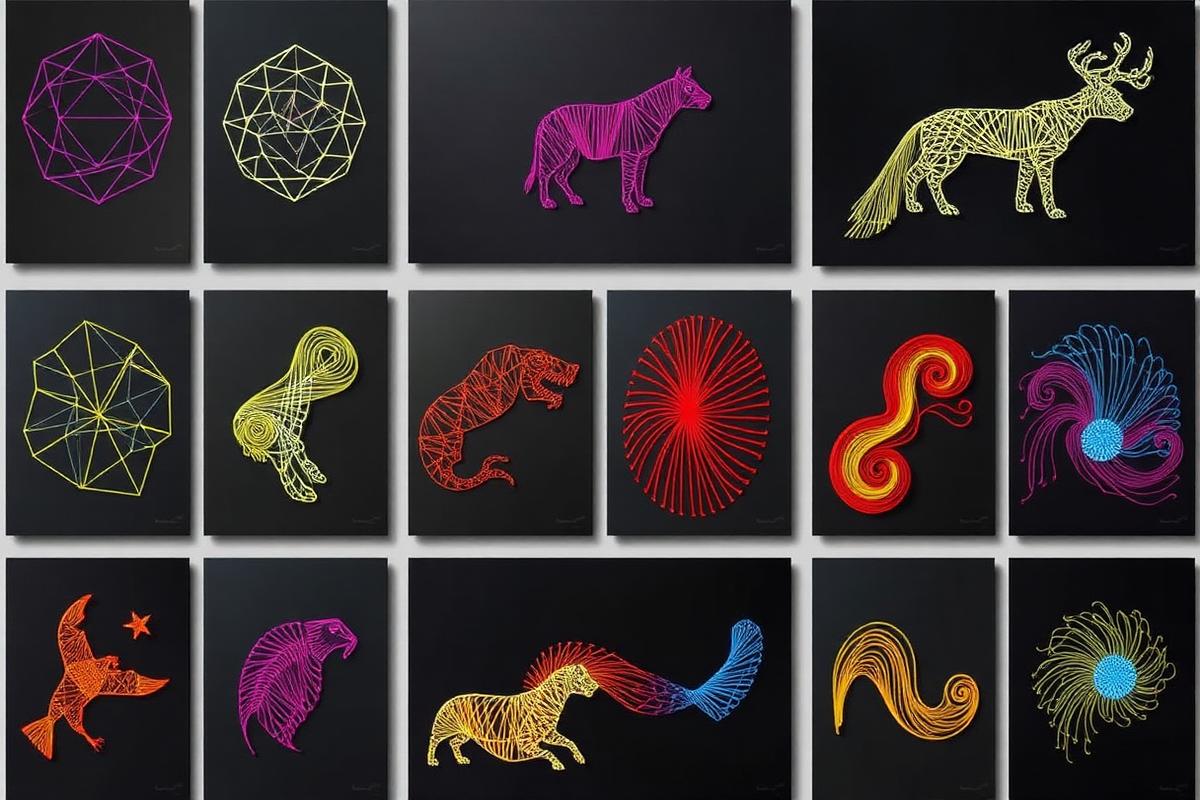
Featured Photo-to-String-Art Wall Art Design
A detailed example showing how layered thread paths can translate a source image into a polished string art composition.
Portrait String Art
Detailed facial features captured through strategic thread placement
Geometric Patterns
Abstract designs showcasing mathematical precision in string art
Nature Silhouettes
Trees, animals, and landscapes rendered in stunning string patterns
Architecture Designs
Buildings and structures translated into linear string compositions
Popular Uses for Custom Thread Art Patterns
Creators use digital string art patterns for handmade gifts, home décor, classroom projects, maker workshops, wedding displays, and branded visual pieces. The format works especially well for portraits, pet memorials, initials, mandalas, and minimalist landscapes.
Because the generator lets you test pin counts, line density, and export formats before building, it reduces material waste and helps you plan physical string art projects with more confidence.
Why Photo-to-Thread-Art Planning Improves Results
Previsualizing a design online makes it easier to choose the right source photo, spot weak contrast, and compare how different settings affect clarity. That matters when you want cleaner outlines, smoother shading, and fewer unnecessary line crossings.
It also helps beginners learn the structure behind thread art while giving advanced makers a faster way to prepare printable references, SVG files, and workshop-ready examples.
Thread Art Generator FAQ for Photo-to-String-Art Projects
Find practical answers about image selection, exports, settings, mobile use, privacy, and physical builds for our free online thread art generator and string art pattern maker.
Need More Help with Your Photo-to-String-Art Pattern?
If you still need guidance on image prep, exports, or physical builds, our team can help you get better results from the thread art generator.